
MES Integration
MaxWiz MES integration solution.
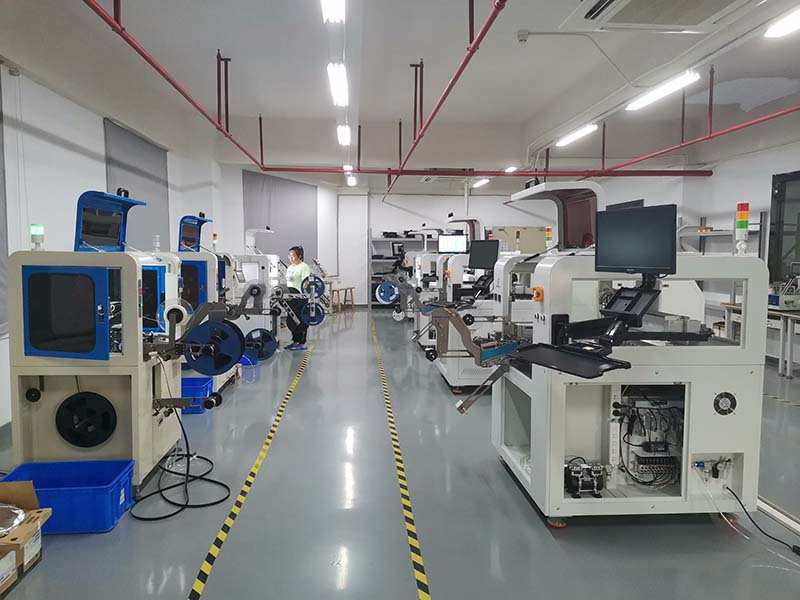
MES system solution
Functions required by customers:
1. Use the upper computer software to generate the project according to the configuration (including chip model, file, serial number, job number, configuration);
2. Each project corresponds to the work order number and is stored in the MES system;
3. When downloading, use the work order number to apply to the MES system for downloading the corresponding project; After the download is completed, the verification information is returned to the MES system to confirm the download result;
4. The burner can control the burning through external keys, connecting the system, etc;
5. Transfer the burning results to the MES system; When NG, a unique error number is provided for each error type.
Maxwell Solutions:
▲ The existing upper computer software has realized the function of generating project files (. PMW);
▲ Download the corresponding project file through the MES system, and the burner will automatically load the chip model, file, serial number, job number, configuration and other information in the project; As follows:
▲ After downloading, the burner will display the downloaded data information;
▲ Burn can be controlled through the control interface reserved on the side, prompting OK, NG, BUSY;
MaxWiz of MaxWiz Technology of our company can realize the above functions with products such as one drag 1, one drag 4, one drag 8, one drag 10 and all-in-one machine.